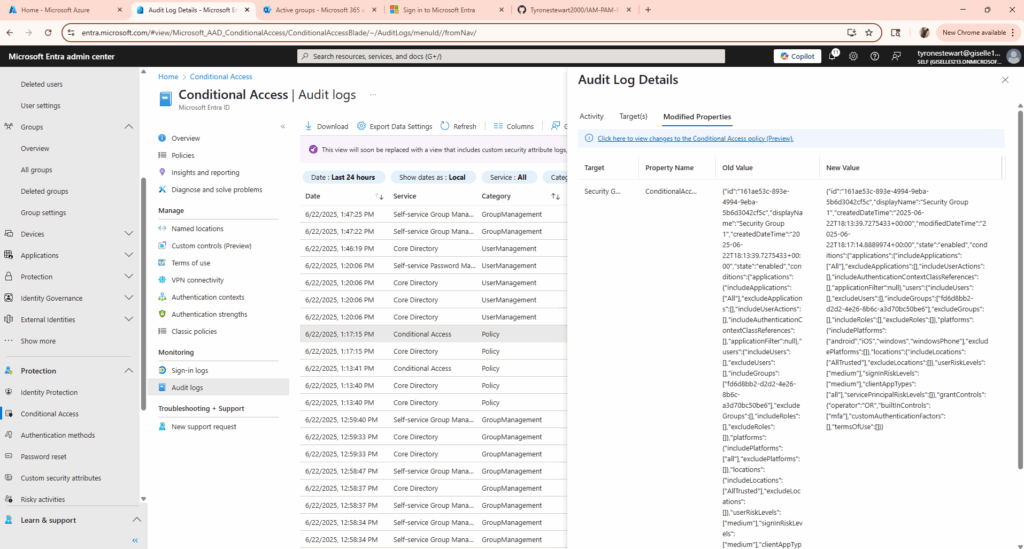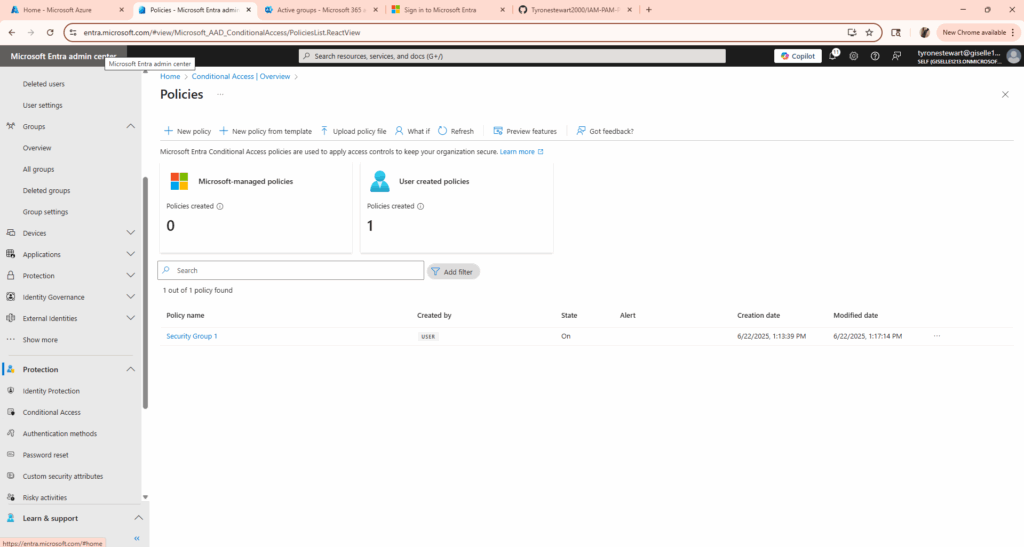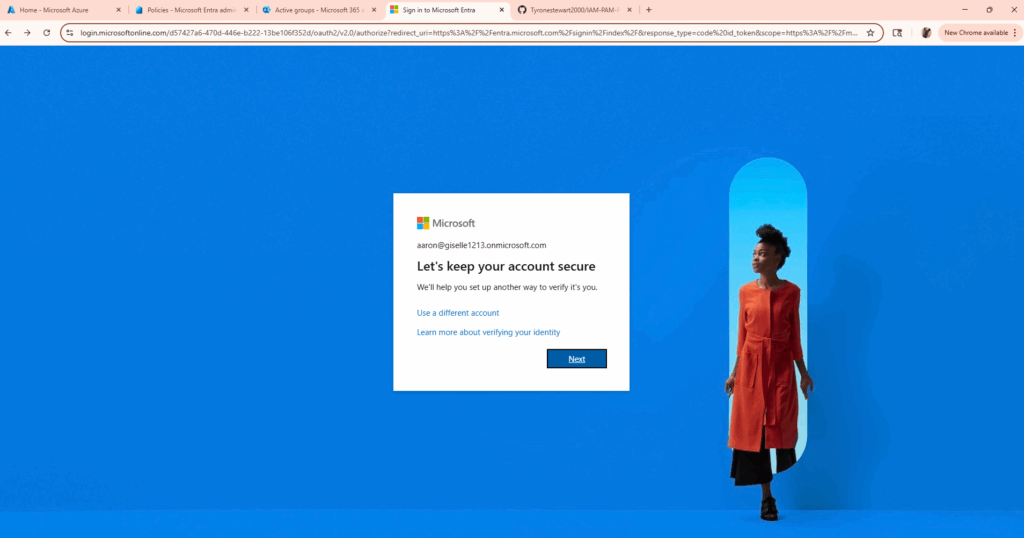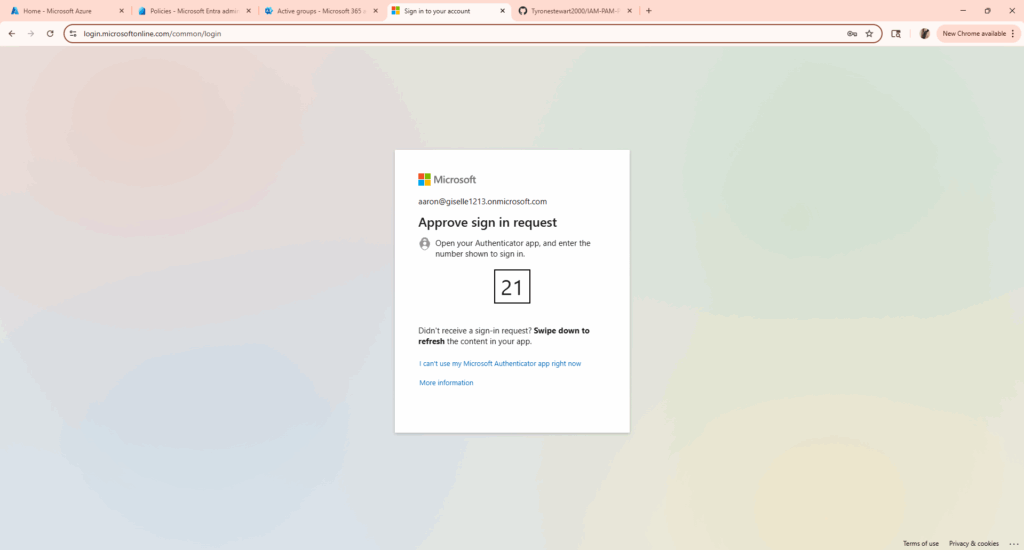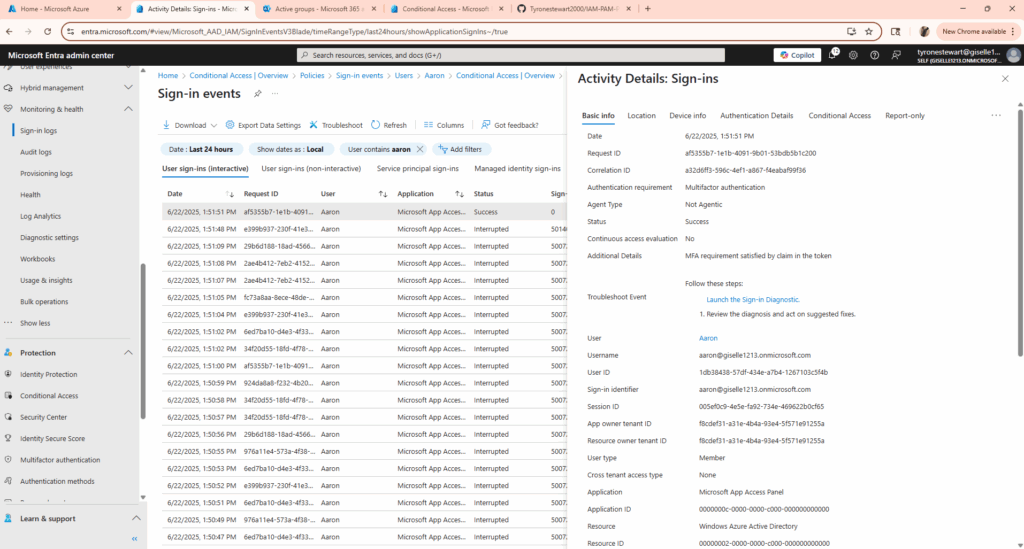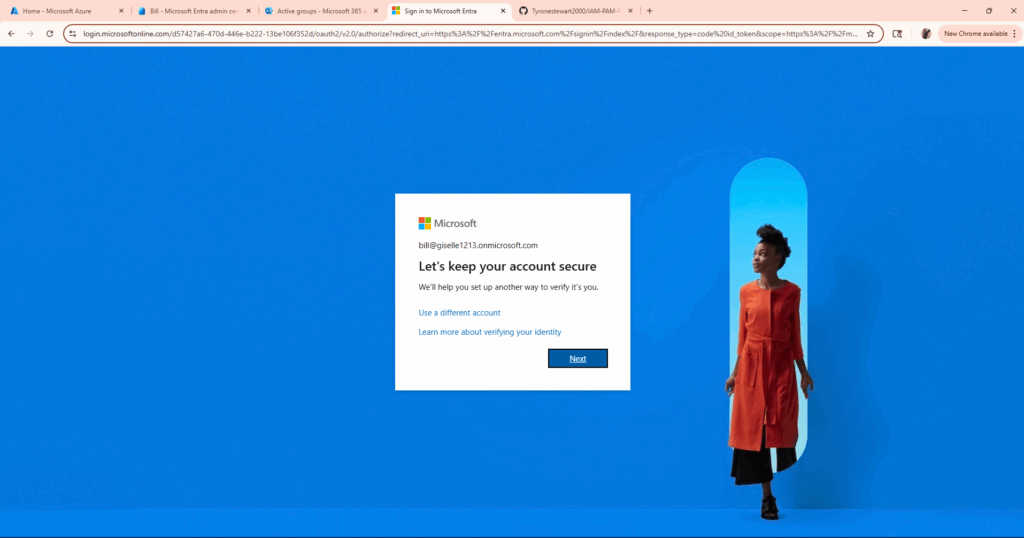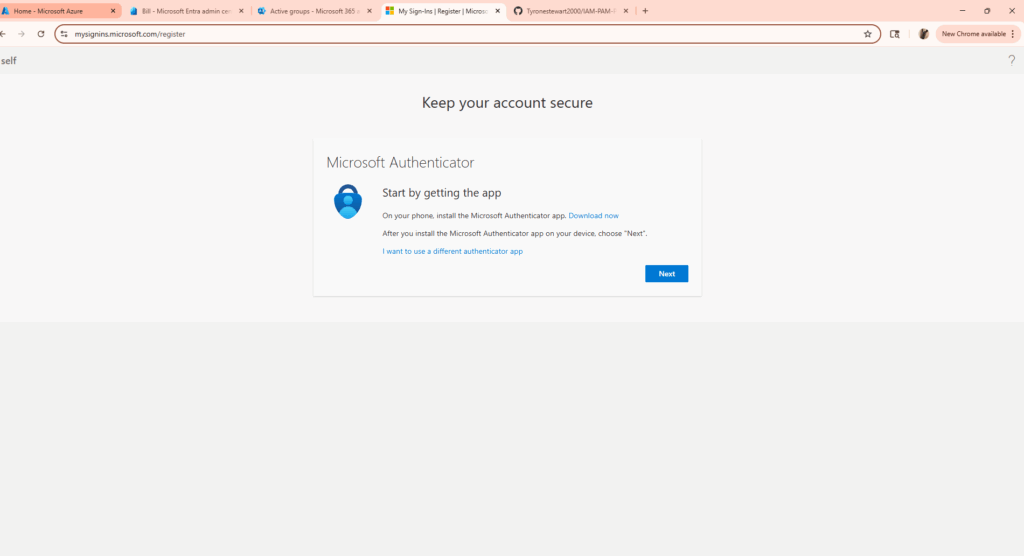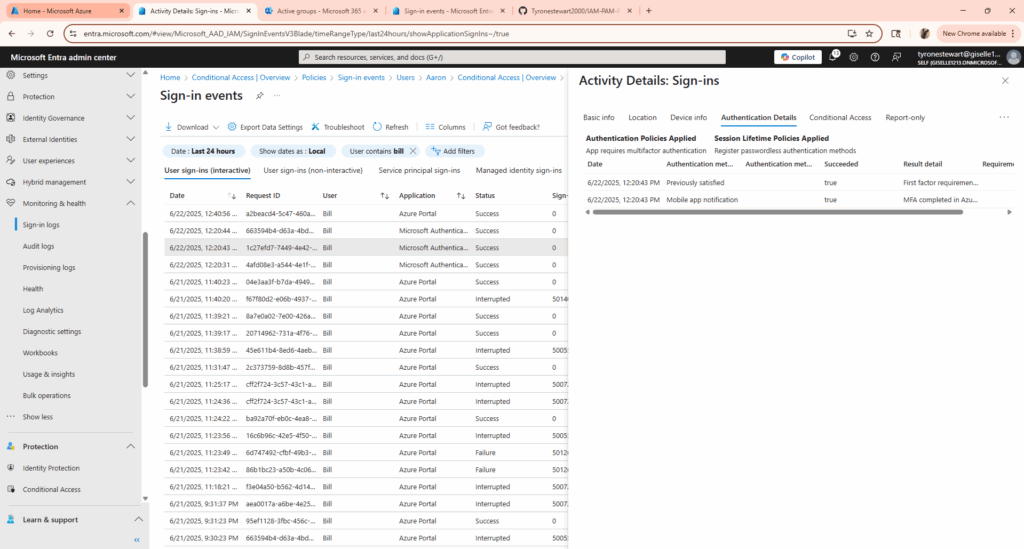
I implemented a Conditional Access policy in Microsoft Entra ID (Azure AD) to enforce Multi-Factor Authentication (MFA) for selected users.
Here’s what I configured:
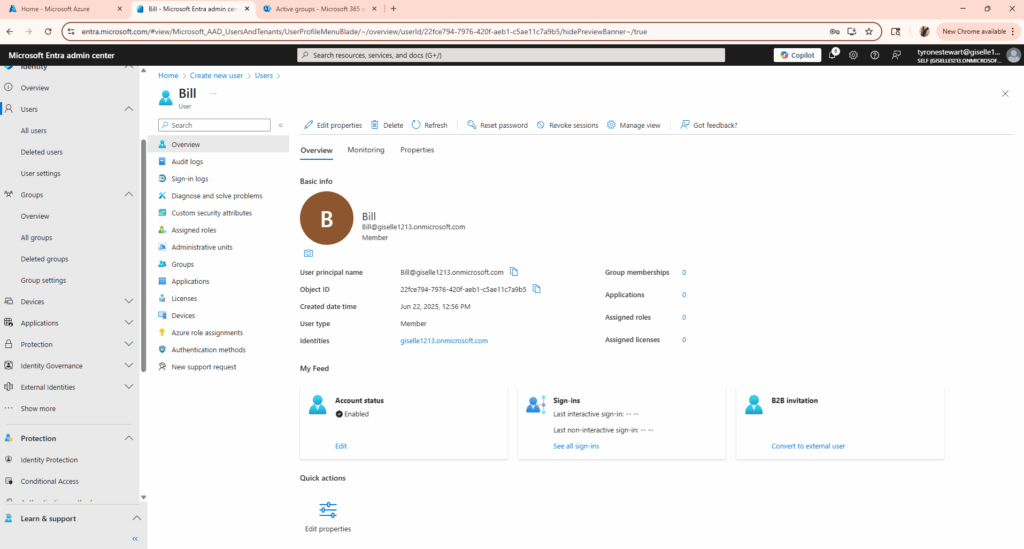
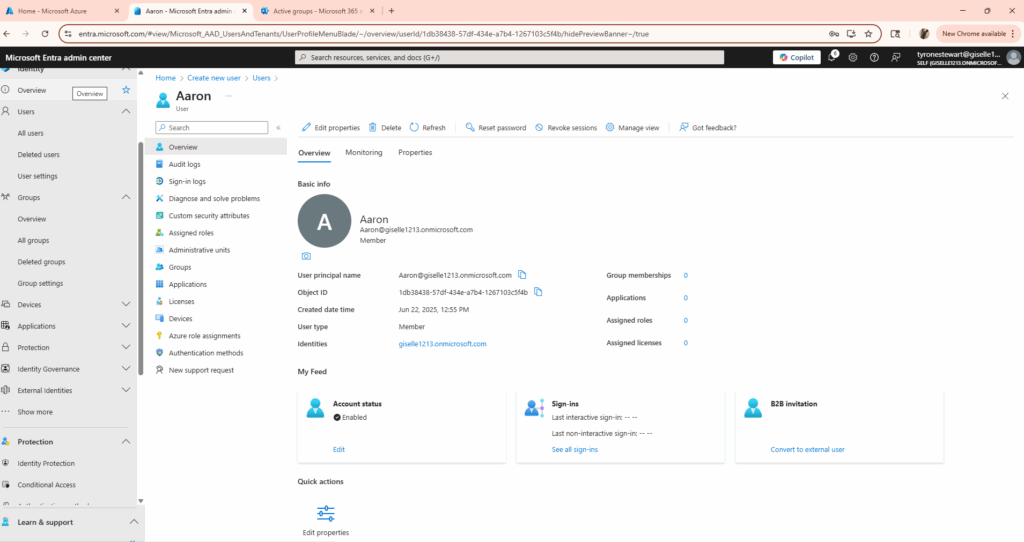
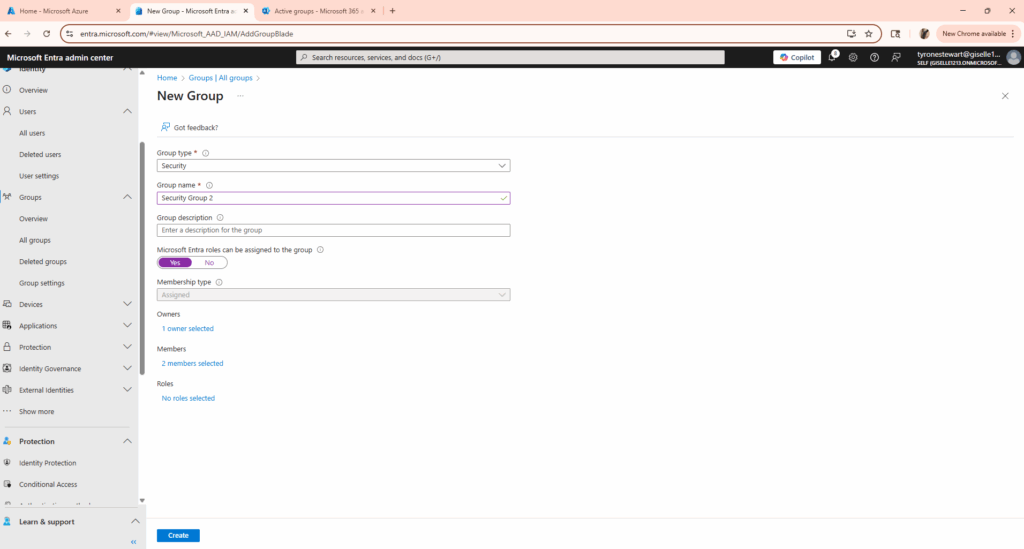
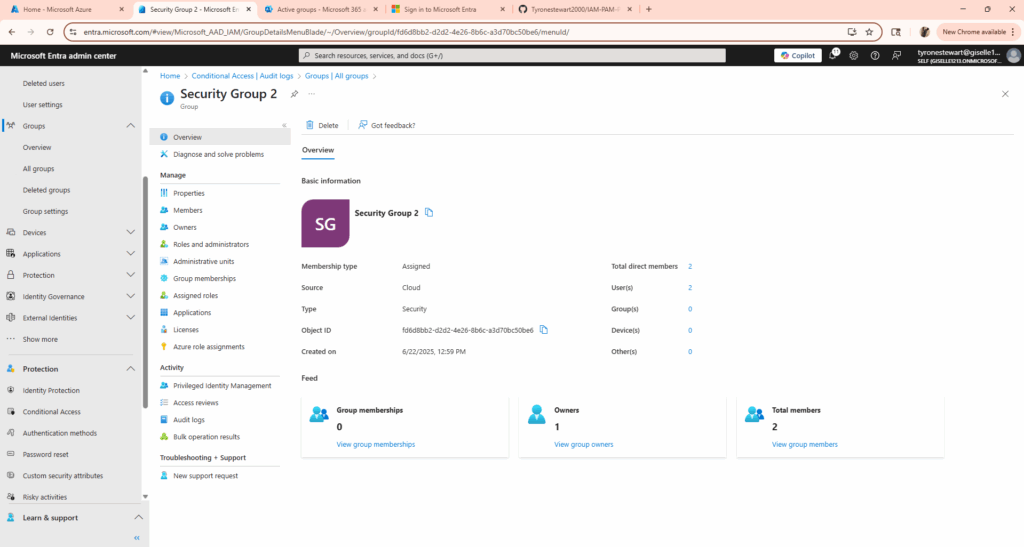
- Created 2 users and added them to a test group
- Enforced MFA via Conditional Access
- Applied conditions for:
- Medium user risk
- Medium sign-in risk
- Trusted locations and networks only
- Platform access limited to Android, Microsoft, and Windows
Tools used: Azure Porta, Entra ID Microsoft Authenticator, Entra ID Audit Logs
Skills Learned:
Conditional Access Policies
Sign-in Logs & Audit Logs
Risk-based Access Control
Device Platform Restrictions
Group-based Access Control
Cloud Identity Security
MFA enforcement was successfully tested and verified — proving how Conditional Access can provide strong identity protection with minimal user friction.
I’m continuing my journey into Microsoft Security, with hands-on labs like this helping me prepare for certifications like SC-300 and AZ-500.