New IAM Lab Completed: Self-Service Password Reset (SSPR) with Microsoft Entra ID
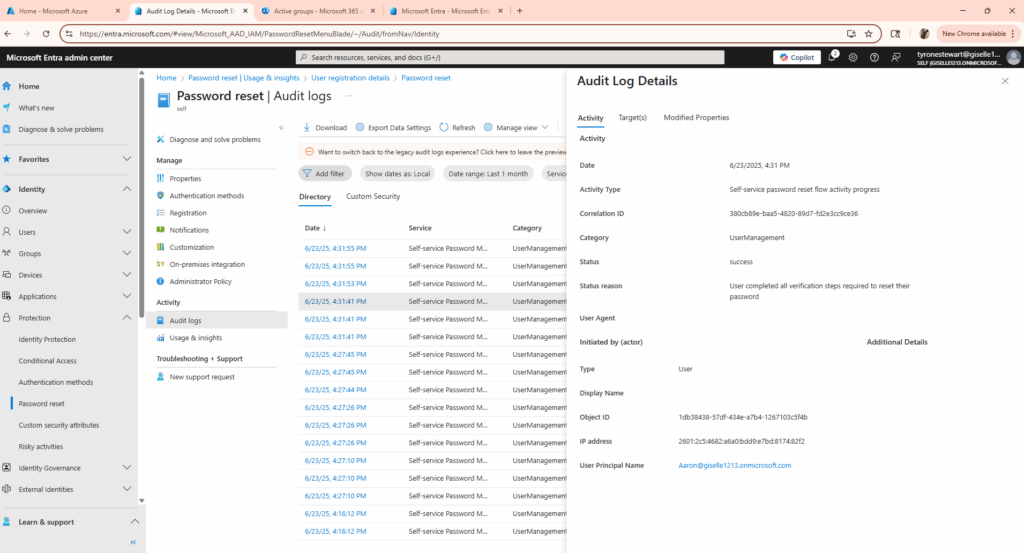
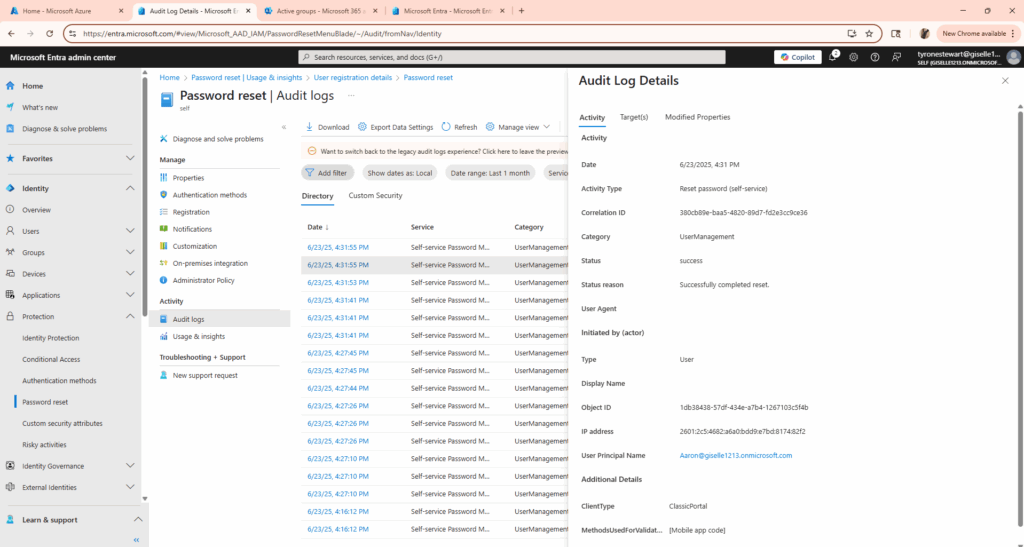
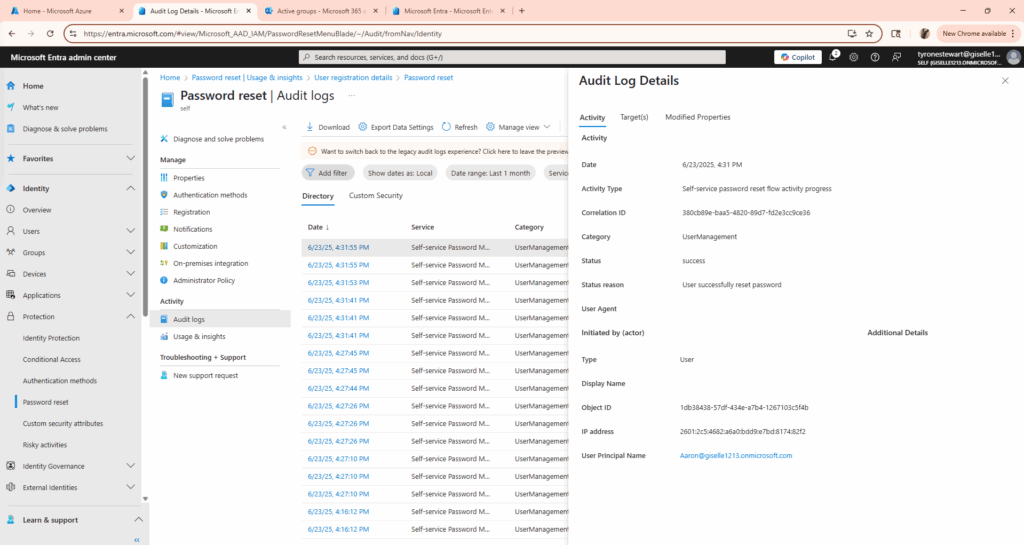
recently implemented and tested SSPR (Self-Service Password Reset) in Microsoft Entra ID to empower users with secure, self-managed password recovery.
Project Focus:
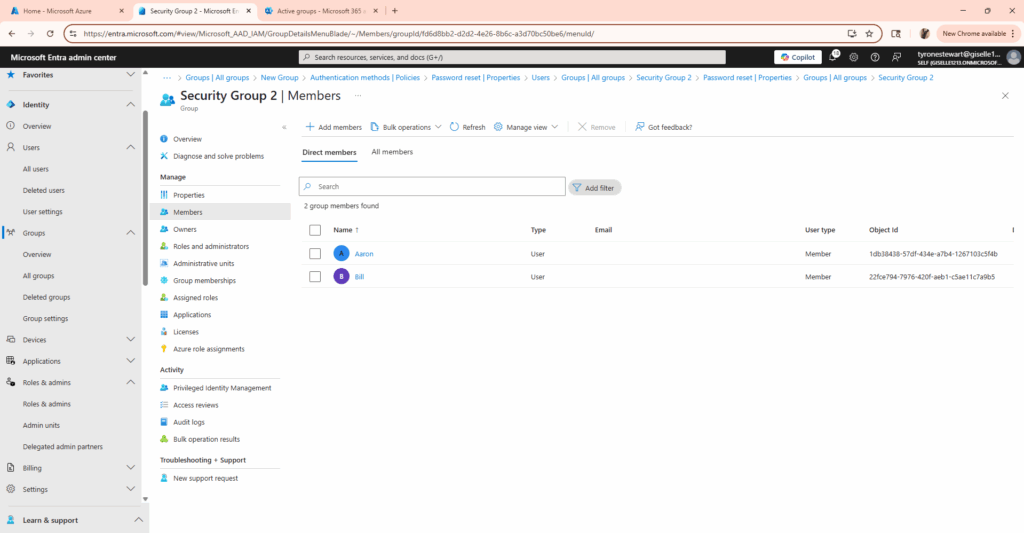
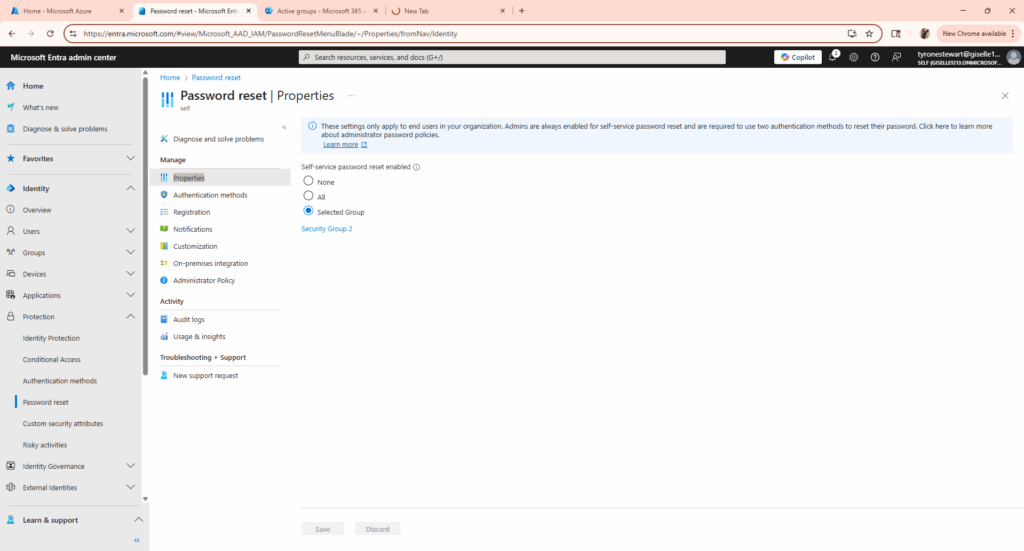
-Enabled SSPR for selected users in a test group
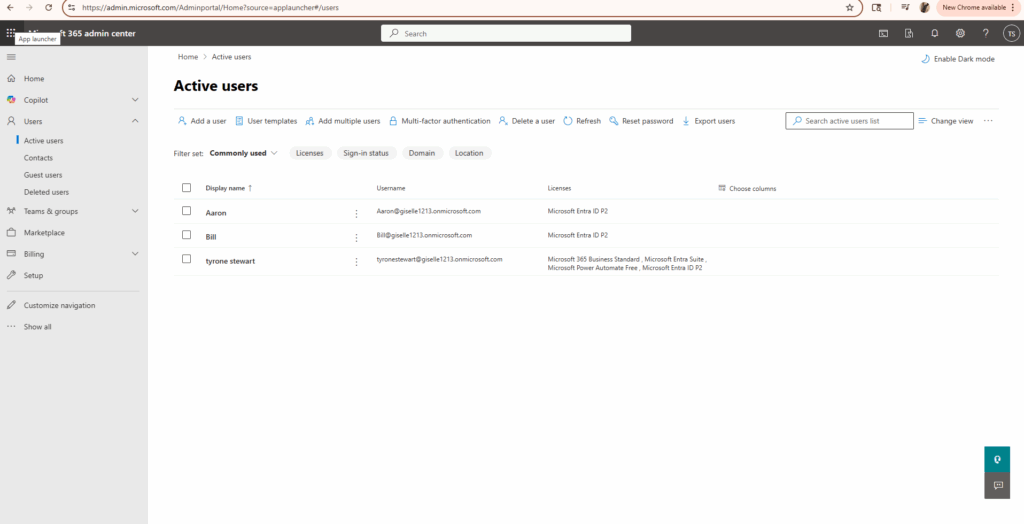
-Assigned Microsoft 365 E5 Developer license to enable full capability
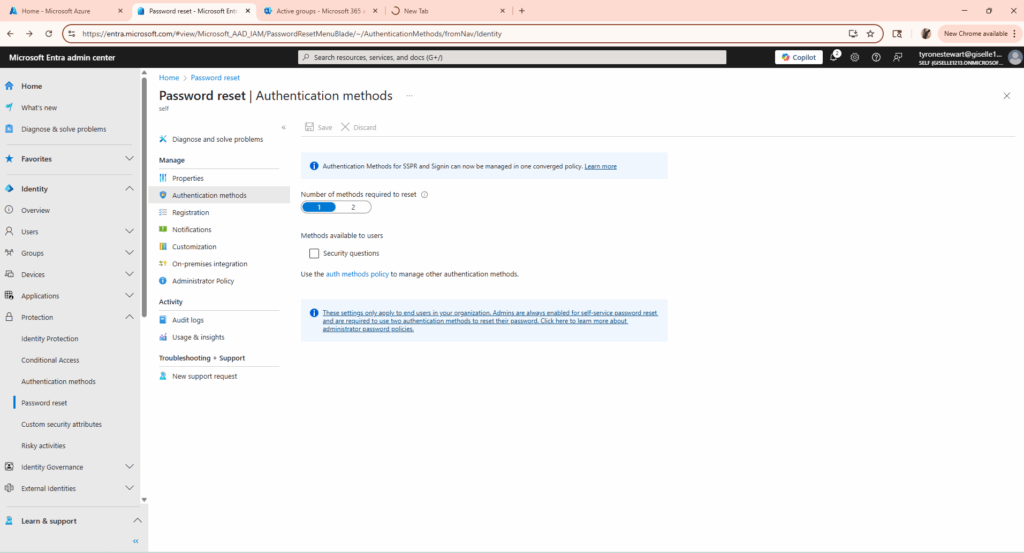
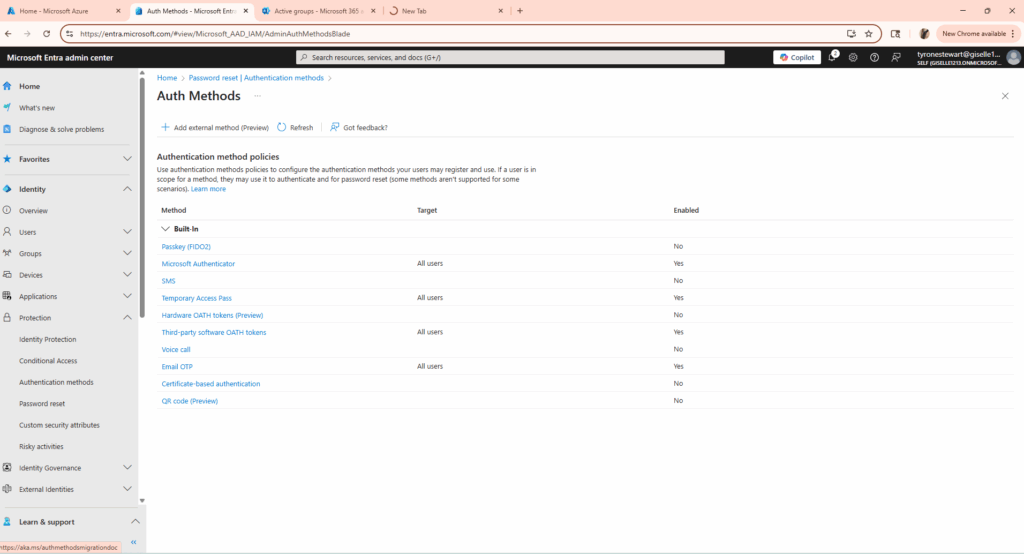
-Configured authentication methods (mobile + email)
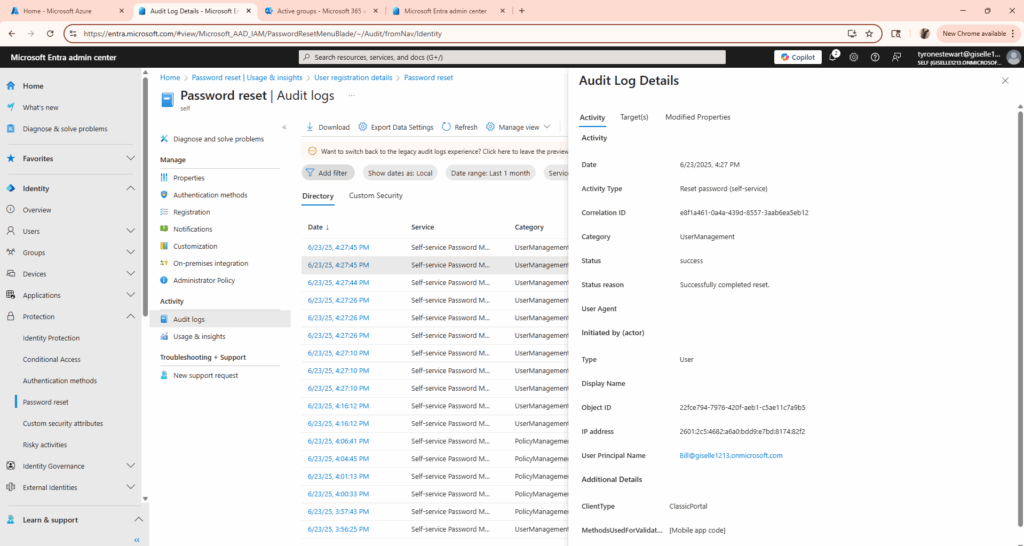
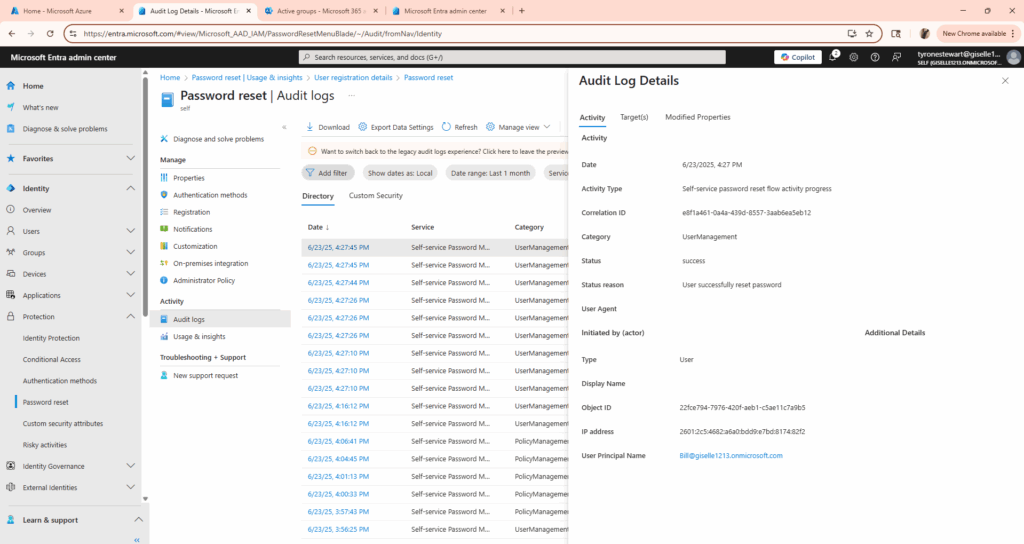
-Simulated reset scenarios using the SSPR portal
Troubleshooting Win:
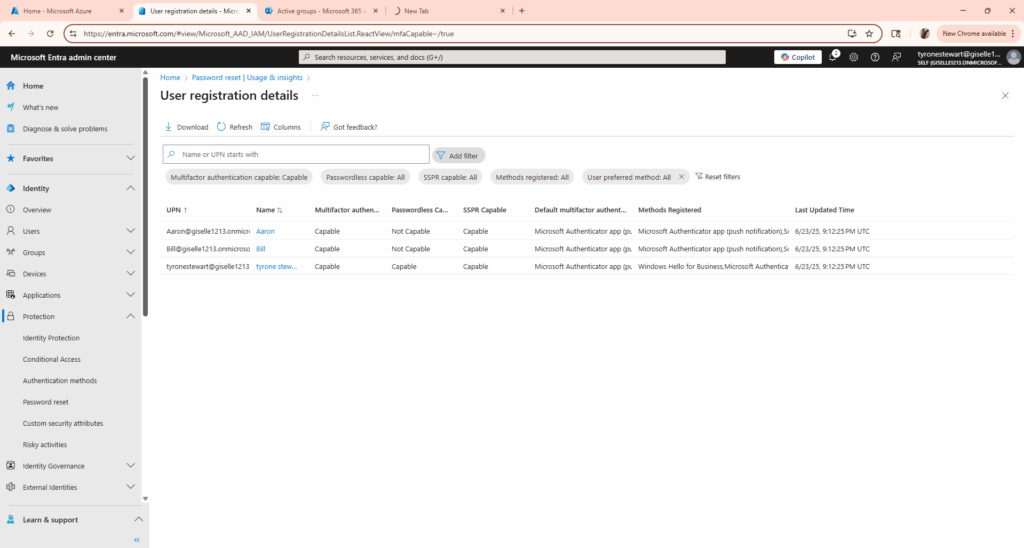
Initially encountered the “Not Capable” issue, which was resolved by assigning the correct license and registering the user’s authentication methods.
Real-world lesson: even basic IAM functionality requires thorough setup validation.
Tools & Tech Used:
Microsoft Entra ID
Azure Portal
M365 Developer Tenant
https://aka.ms/sspr
Skills Learned:
Identity Governance & User Self-Service
Licensing impact on IAM capabilities
Hands-on troubleshooting in Microsoft Entra ID
This project is part of my hands-on journey toward SC-300, AZ-500, and mastering Microsoft Security technologies.